
I'm from 3D Printing Canada, and I spent time unboxing, setting up, and pushing the Vision Miner 22 IDEX v3 through a wide range of test prints. This machine is built to bridge the gap between consumer printers and full-scale industrial systems — high-temperature capability, a heated chamber, and independent dual extruders make it a serious workhorse for engineering materials. Below I walk through the unboxing, the extras in the box, real-world prints (PLA to PEAK), important features, and where the Vision Miner sits in today's 3D printing lineup.
Quick specs that matter
The headline numbers are what put this machine in the engineering category:
- Nozzle temperature: up to 500°C
- Build plate: up to 200°C
- Build chamber: up to 100°C
- IDEX: Independent dual extruders — enables duplicate, mirror, and true dual-material workflows
- Weight & scale: ~200 lb — this is a production-scale printer that needs a couple of people to move
Unboxing and what's inside
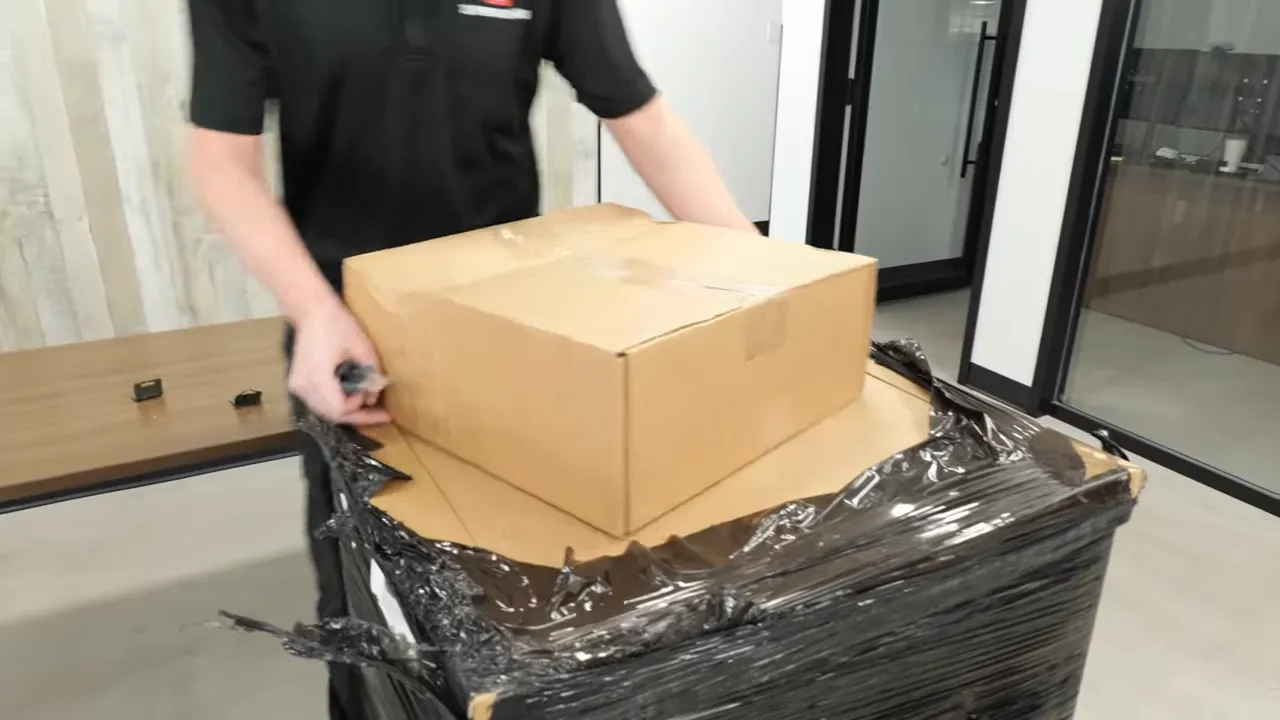
Out of the box there's surprisingly little to assemble — Vision Miner prepares this unit to be used quickly. The main accessories are practical and geared toward high-temperature, engineering-material workflows.
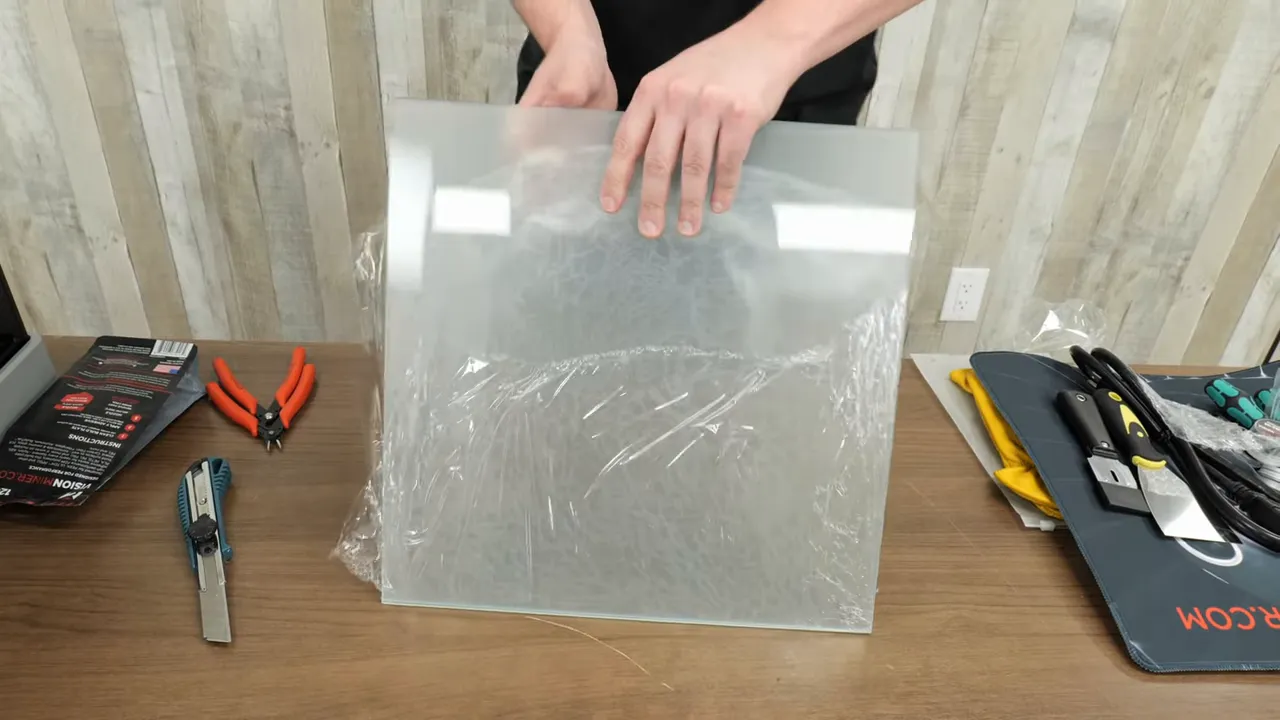
Included accessories I found useful:
- Heat-resistant gloves (you will need them — this printer stays hot)
- Nano polymer adhesive for high-temp materials (PEAK, PEEK, aluminum-like filaments)
- Cutters, multiple scrapers (razor and metal), wire brush
- Spare fans, a variety of nozzles (including 0.4 mm), grease for maintenance
- USB stick and cabling
- Multiple build plates (glass and a carbon-fiber type)
Setup & physical notes
The machine is heavy (around 200 lb) and has a large footprint. The packaging is thoughtful — the box sides come off to make lifting easier. Once on the bench the final step is peeling off the protective layers and powering up.
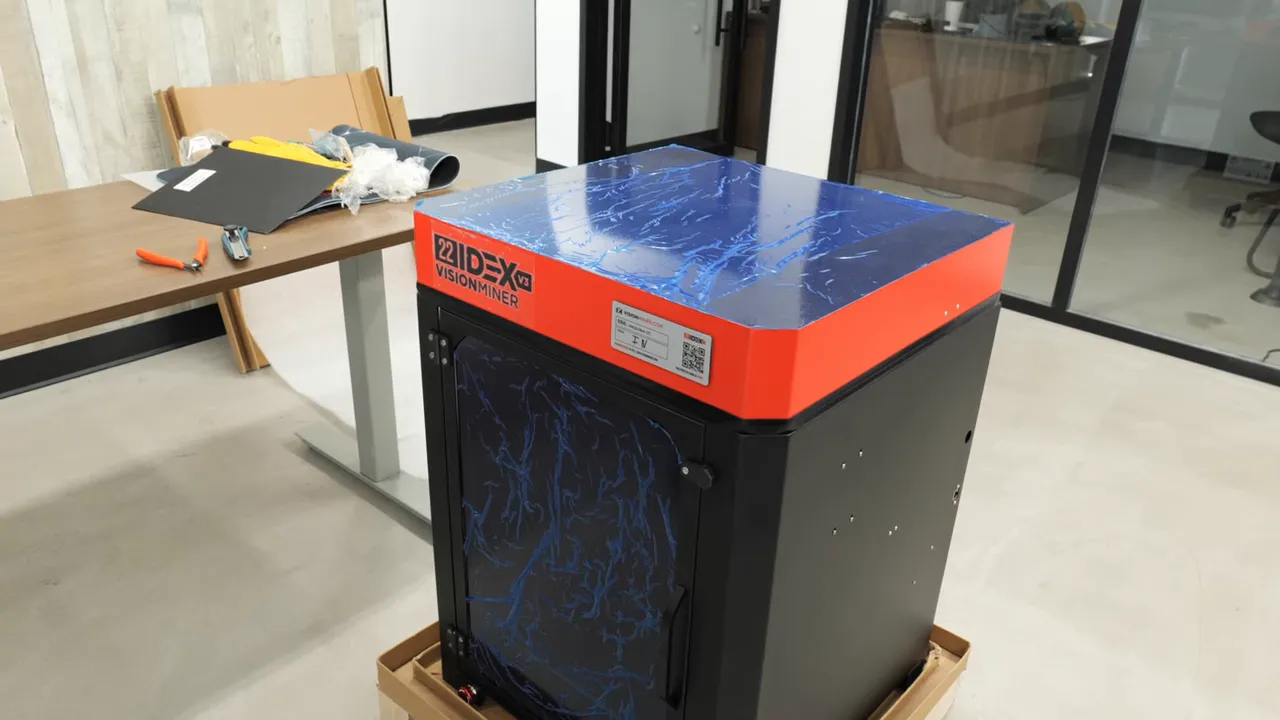
Important safety note: the insulated build chamber keeps temperatures stable, but parts of the printer remain extremely hot long after the print finishes. Wear gloves and be careful when accessing the chamber immediately after a run.
First prints — testing the IDEX system
My first prints were straightforward PLA to sanity-check the dual-extruder switching and to compare speed with multi-spool switching systems like AMS. Because the Vision Miner uses two independent extruders, color or material switches are nearly instant.
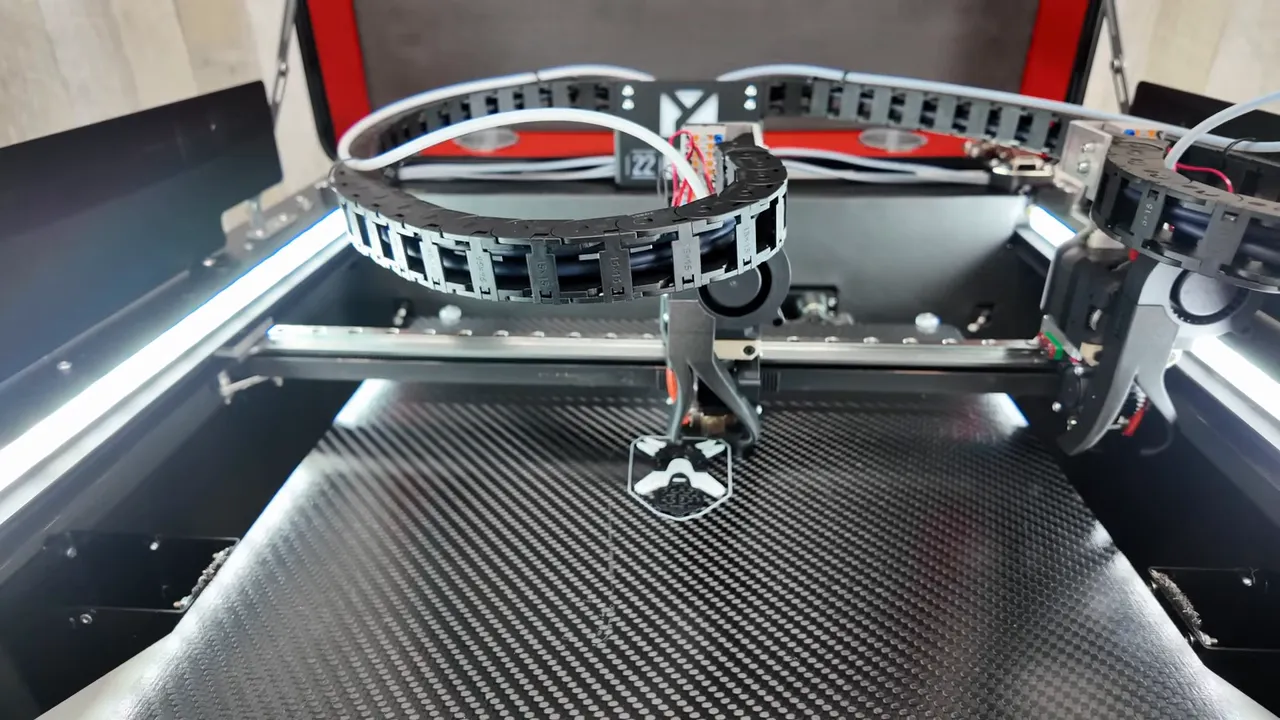
Results:
- No color bleed between extruders.
- Faster than single-extruder automated filament systems for comparable multi-color parts.
- Useful demonstration, but the real strength of dual extruders is dual-material workflows — for example, dissolvable or breakaway supports vs. engineering material bodies.
Printing two parts at once — duplicate and mirror modes
One of the coolest IDEX tricks is printing two copies simultaneously in duplicate mode (or mirrored parts in mirror mode). Keep in mind both extruders generally should use the same material or materials with matching processing windows.
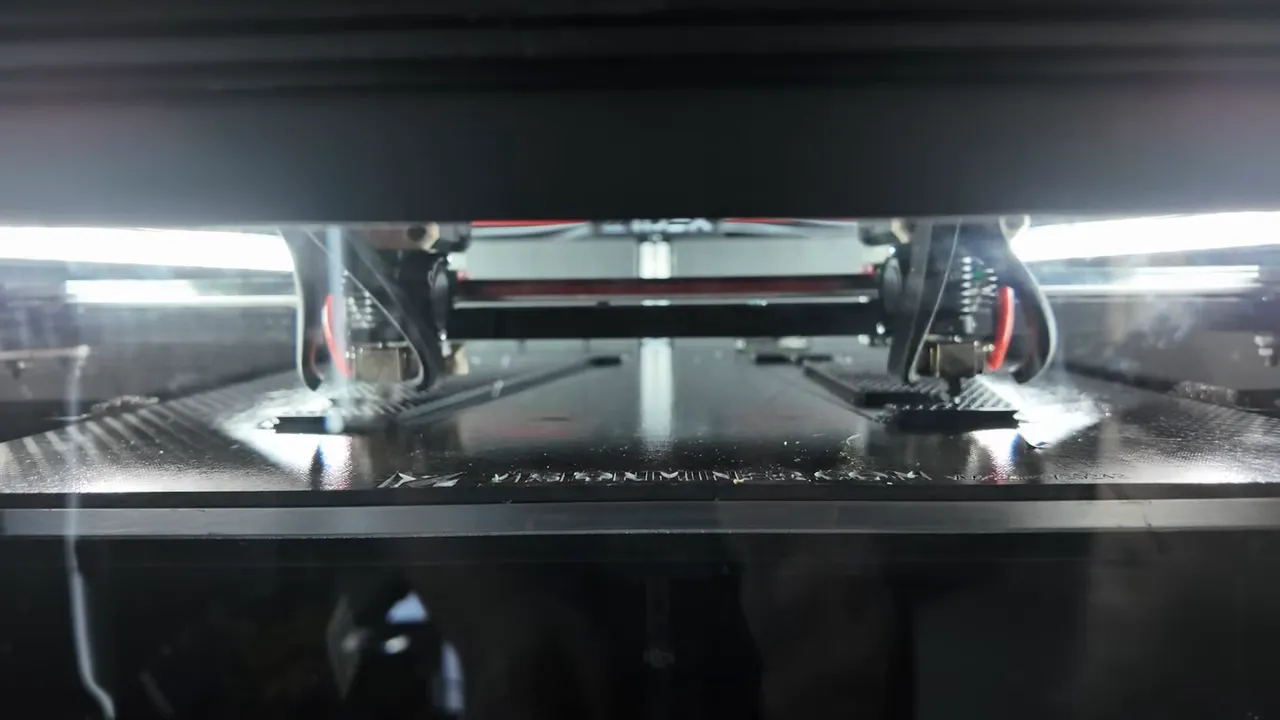
I ran ABS and ASA together in duplicate mode — ASA and ABS are close enough thermally to pair up. Thanks to the stable chamber temperature, warping was essentially eliminated and both parts came out cleanly. This is where a machine like this becomes a production-ready solution for small-batch prototyping or short-run manufacture.
Supports and surface finish with ABS
I also printed ABS parts that required support. The supports removed cleanly, and aesthetics were excellent. The heated, insulated chamber made a big difference in preventing lifting or warping, which is a common issue on lower-end printers.
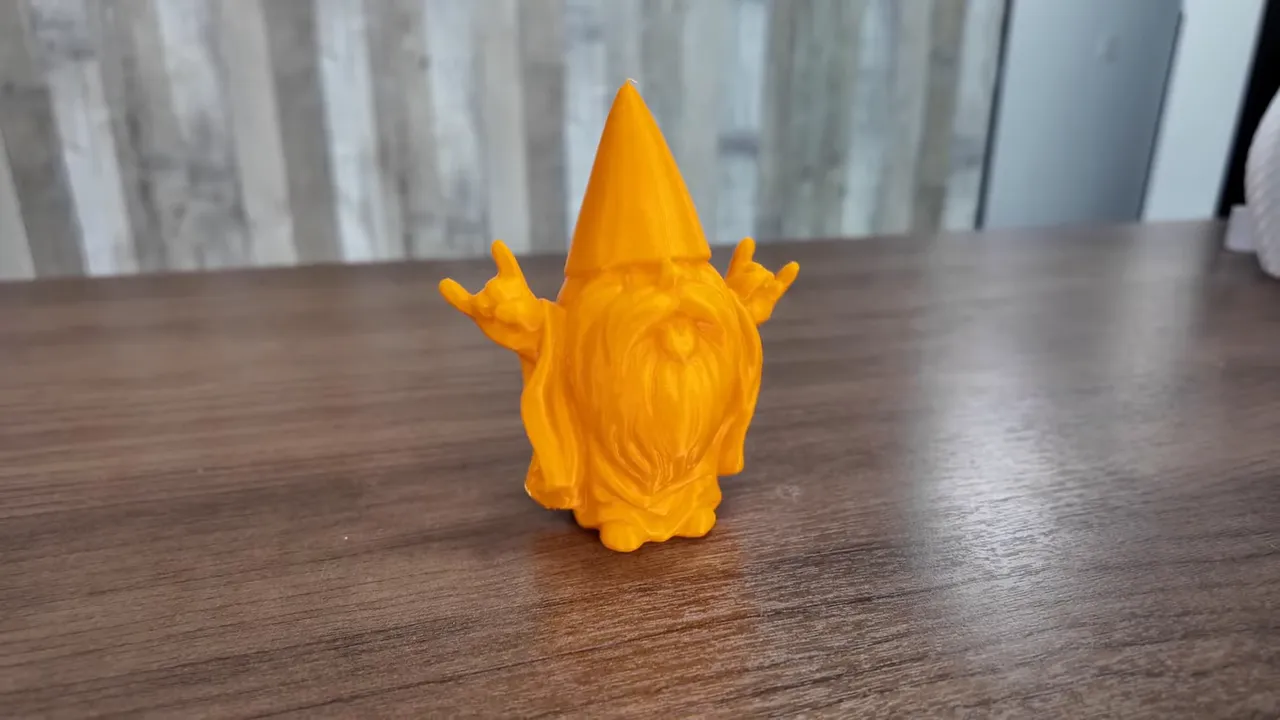
When consumer printers hit their limit — Ultem 9085
Next I pushed Ultem 9085 — an engineering-grade material where consumer platforms start to fail. I attempted the same part on a Bamboo Lab H2D; it started but couldn't achieve the layer adhesion seen on the Vision Miner. The limiting factor there was the build chamber temperature and overall thermal stability.
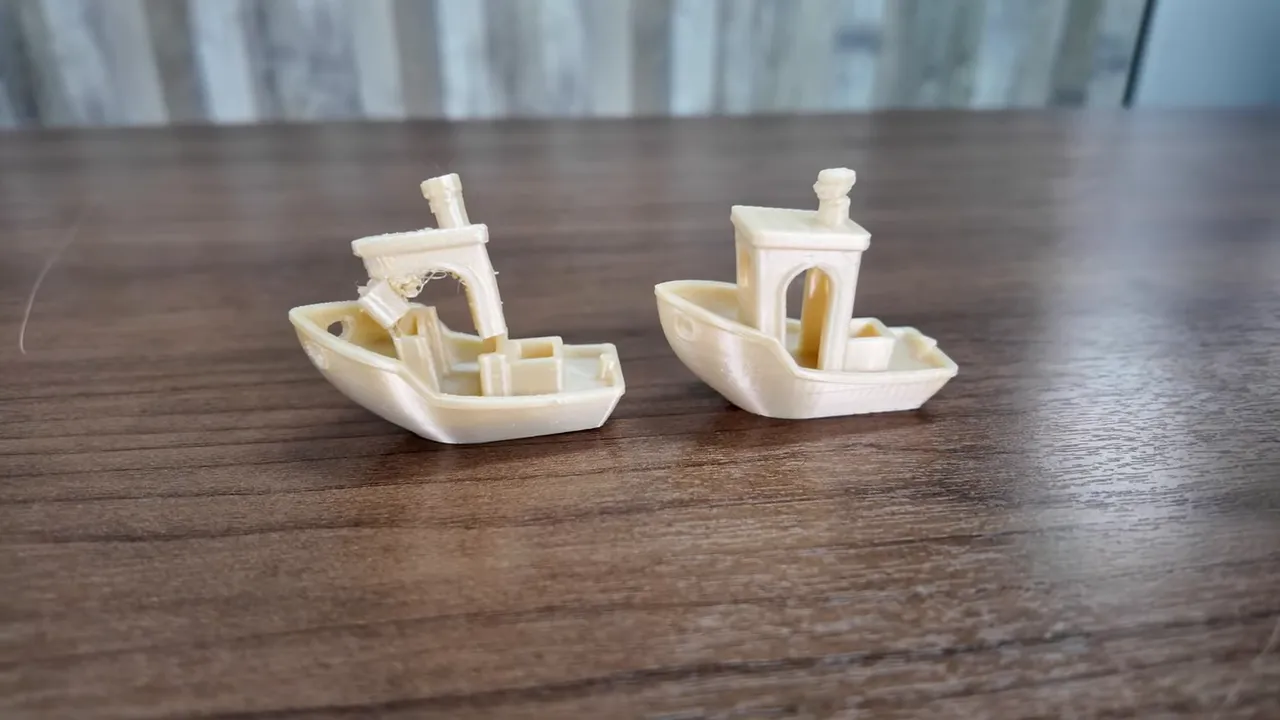
The part from the Vision Miner was very strong — not something I'd be able to break by hand. If you're moving into demanding engineering materials, a machine like this is where you should be looking.
PEAK printing — a high bar
Finally, I printed PEAK — one of the toughest materials to print, and something you should only attempt on capable, industrial-class machines. PEAK required nozzle temps around 450°C and stable chamber temperatures the Vision Miner provides.
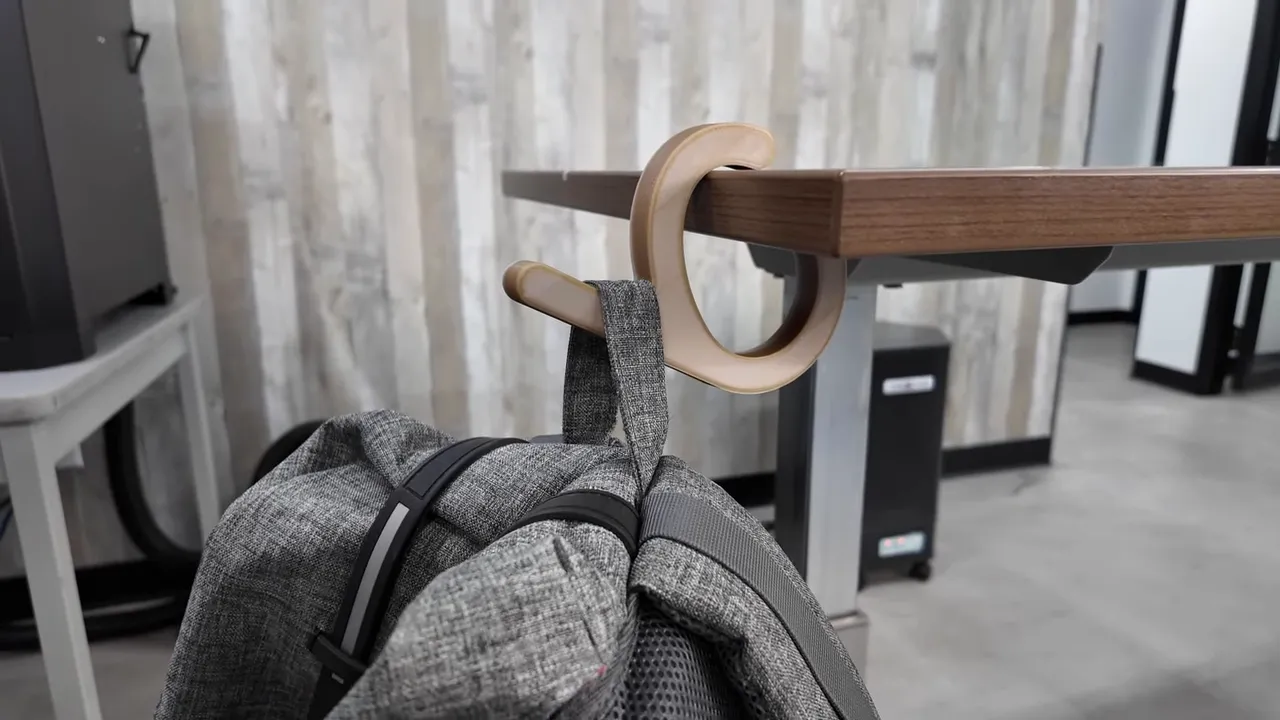
Notes on PEAK:
- Extremely expensive (~$1/gram in my case) — you can't afford failed prints.
- Heat retention and stable extrusion are critical.
- The Vision Miner handled the job reliably — which is exactly the point of upgrading to a machine in this class.
Features, limitations, and practical considerations
There are a few design choices worth calling out — including one notable omission: there is no built-in touchscreen on the printer.
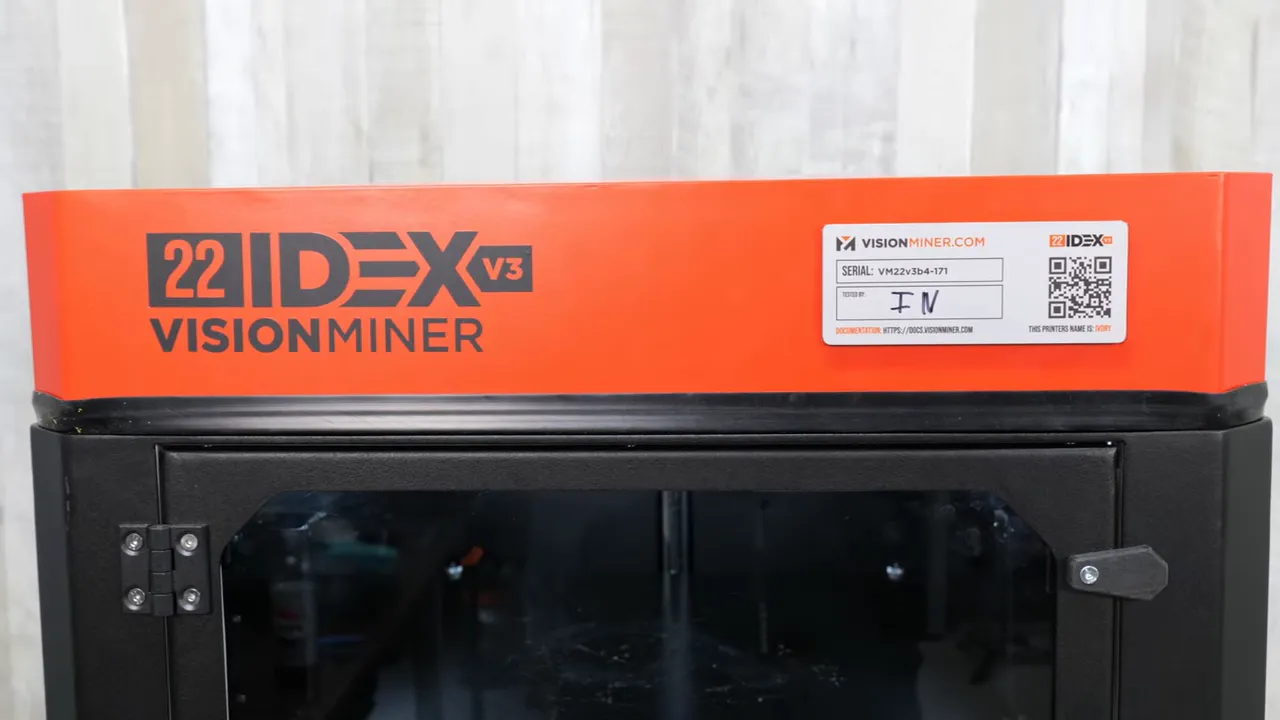
At first I was unsure about the missing screen, but in daily use I didn't miss it much. The printer is designed to operate over your local network (Wi‑Fi or Ethernet), so you can send prints from a PC without having to physically interact with the machine. Importantly, it does not require an external cloud — your print data stays on your local network.
"If you really want a screen, just get a small cheap tablet. You can connect it and stick it to the side of your printer."
That pragmatic advice from Vision Miner is apt — a tablet is a cheap workaround if you prefer a local touchscreen interface.
Filtration and integration
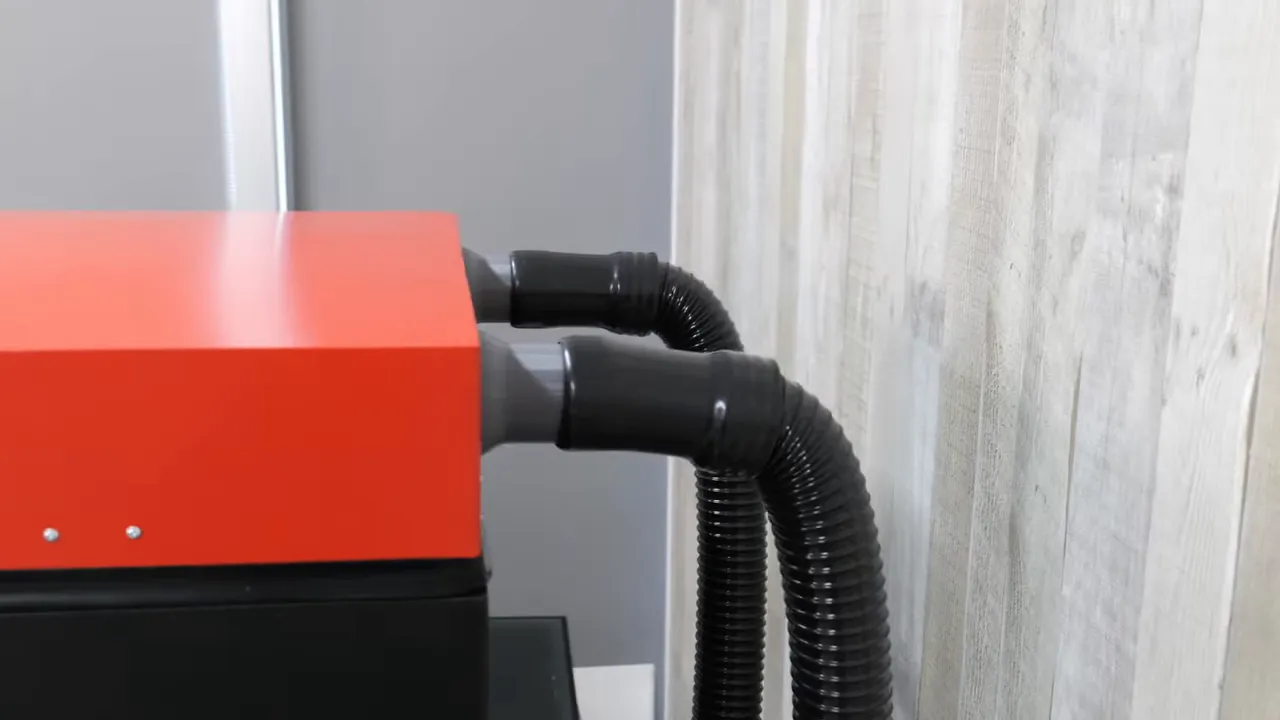
For ABS work, filtration is a practical must. Vision Miner provides ports and STL files so you can 3D print adapters to mate a BOFA or other filter system directly to the printer. Hook it up and you have a filtered enclosure suitable for materials that emit more fumes.
Insulation and access
The machine is well insulated with thick padding inside the enclosure. That insulation is great for stable prints, but it also means cooldown is slow — parts of the machine stay hot long after a job finishes.
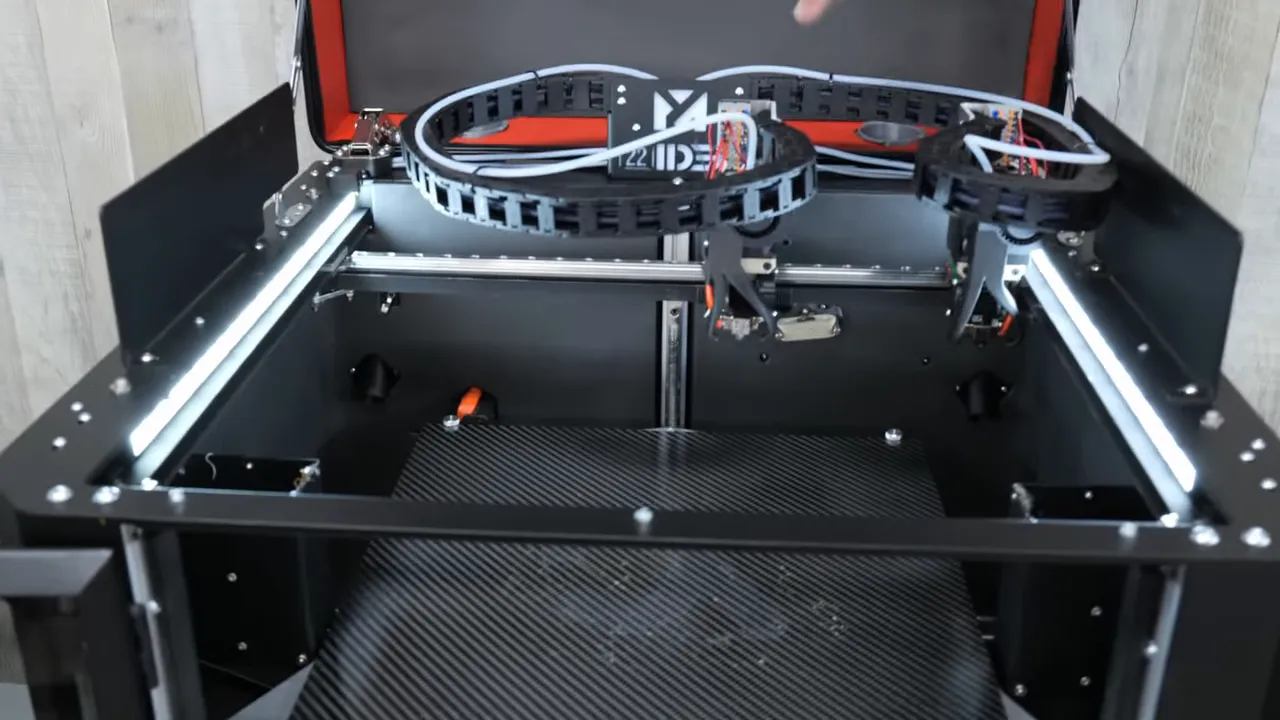
Access is easy: the top opens and both extruders are straightforward to reach for maintenance or nozzle changes.
Where the Vision Miner fits in today's market
Over the last several years consumer printers have improved dramatically — many now offer 350°C nozzles and impressive feature sets at affordable prices. That progress raises the question: do we still need industrial machines?
My take: yes, but the landscape has shifted. Vision Miner has carved out a middle ground that used to be empty. Instead of spending six figures on an industrial system, Vision Miner offers an engineering-capable platform at a much lower price point. It allows users to step into high-temperature materials and production workflows without the massive capital outlay traditional industrial machines demand.
"Vision Miner comes in a lot cheaper, and it allows you to print those things that your consumer, even your best consumer printers, cannot print."
Verdict and recommendations
The Vision Miner 22 IDEX v3 is a serious machine for anyone looking to print engineering materials reliably, test higher-temp resins, or run small production batches. Highlights:
- Exceptional thermal capabilities (500°C nozzle, 200°C bed, 100°C chamber).
- IDEX means faster multi-material workflows and true duplicate/mirror printing.
- Well insulated and robust — excellent for ABS, ASA, Altum, and PEAK.
- No built-in screen — but network control and tablet workaround make this a minor issue for most users.
If you’re moving beyond consumer plastics into engineering-grade materials and short-run production, the Vision Miner is a compelling middle-ground option worth considering.
Thanks and next steps
Thanks for reading — if you want to see the full unboxing and test prints, check out the original video by 3D Printing Canada embedded above. If you have questions about setup, filament selection, or filtration, feel free to reach out.